Keep setup off your phone.
Onyx handles proxy routing at the network level. Connect to its Wi-Fi without installing a proxy app on each device.
YOUR NETWORK. YOUR CONTROL.
Onyx routes devices connected to its Wi-Fi through a proxy you choose. Manage profiles, check your connection, and switch locations from the Command Center.
Find my setupA proxy subscription is separate. Hardware and shipping depend on the option you choose.
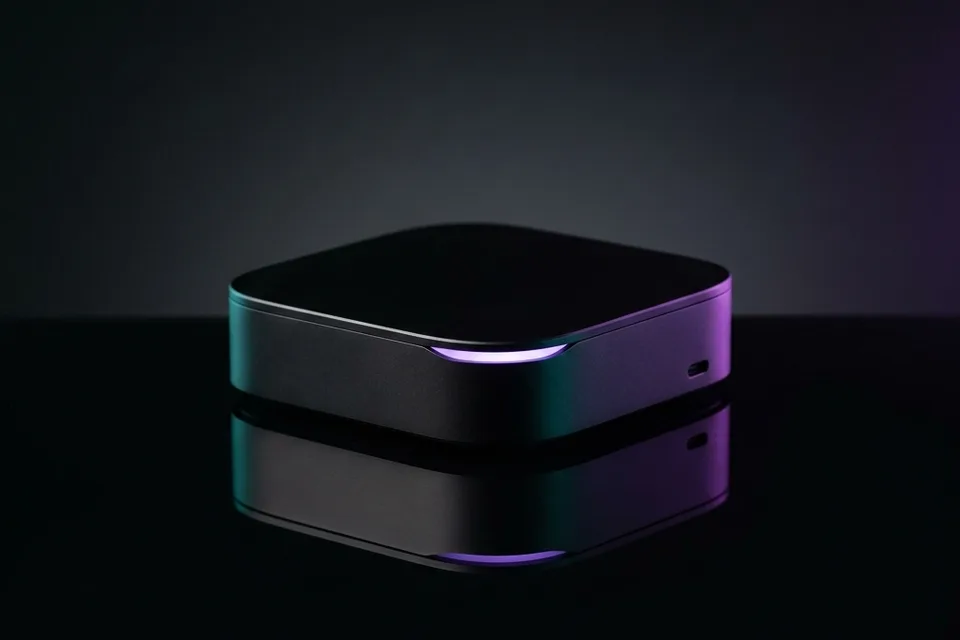
FROM UNBOXING TO YOUR FIRST CONNECTION
Software + setup support included
All options include the Onyx software and 1-on-1 setup support. Pick the route that fits your ambition.
Answer two quick questions and get a practical recommendation.
All options require an internet connection and a separate proxy service.
PURPOSE-BUILT FOR YOUR WORKFLOW
Onyx handles proxy routing at the network level. Connect to its Wi-Fi without installing a proxy app on each device.
Bring your proxy provider and manage your configuration from Command Center.
Organize connection profiles and switch between your configured networks from one place.
Ask about your hardware, proxy, or package on WhatsApp before you order. Setup support is included.
Zero configuration required on your home router. It connects to any standard switch or modem port without touching or breaking your home Wi-Fi.
Your regular home router, ATT Fiber, Omada switch, or Comcast box.
Hardware-level proxy tunnel. TP-Link/Netgear camouflage engine.
iPhones or Android devices connected strictly to Onyx Wi-Fi.
Every packet leaving your phone is stripped of device signatures, encrypted, and forced through a genuine 4G/5G mobile carrier IP. Built-in kill switch drops connection if proxy disconnects.
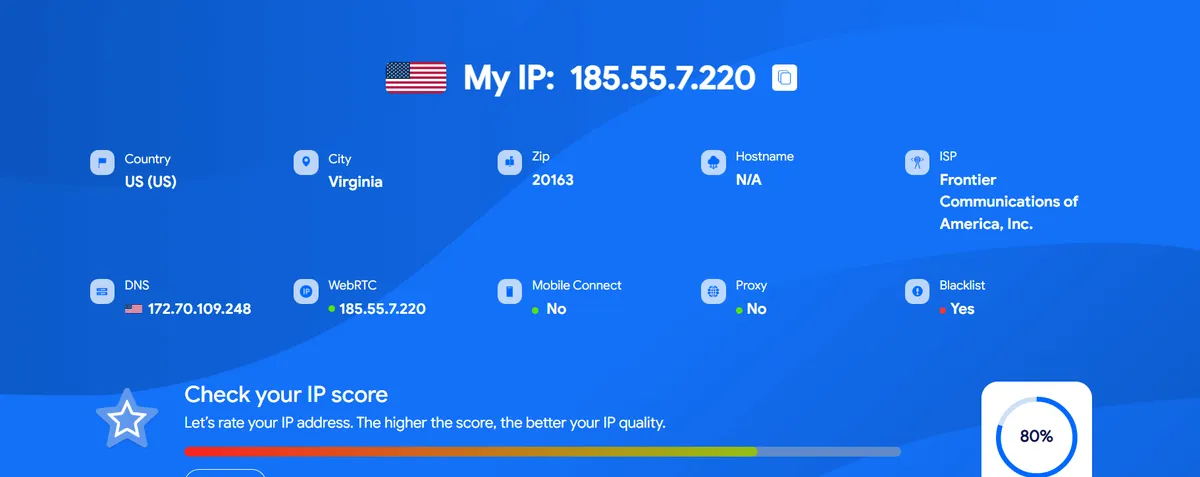
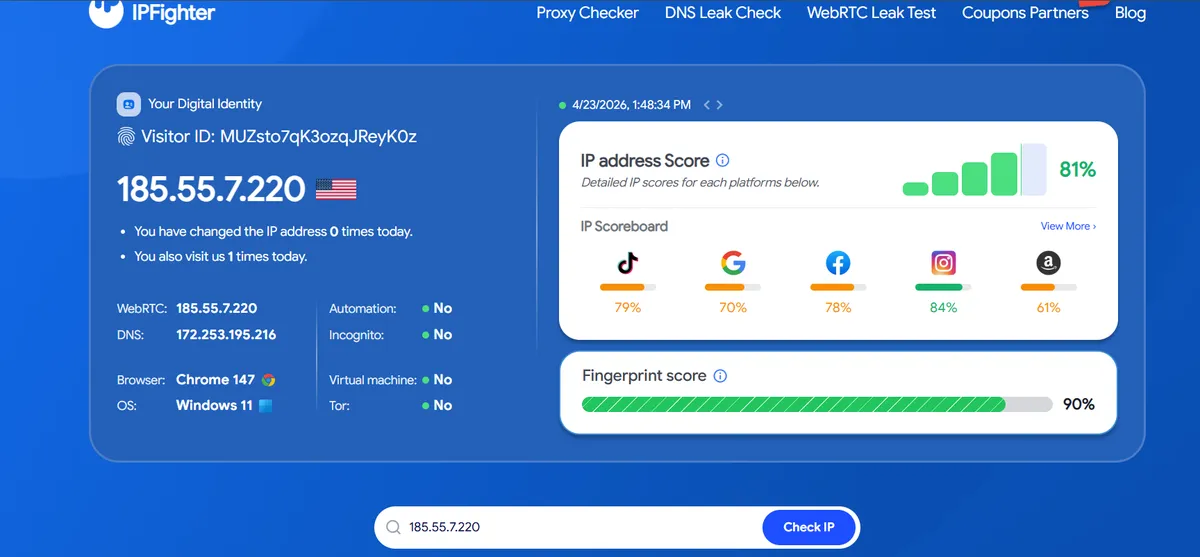
Examples from an Onyx setup. Your connection depends on your proxy, network, and configuration.
Everything you need to know before ordering the Onyx Router.
ONYX / WHATSAPP
Tell us what hardware you have and how many devices you plan to connect. We'll help you choose.